
How to create a cost estimate from your design
Turn the quantities Rancava measures from your design into a priced bill, then export it to Excel or a PDF quotation.
Published
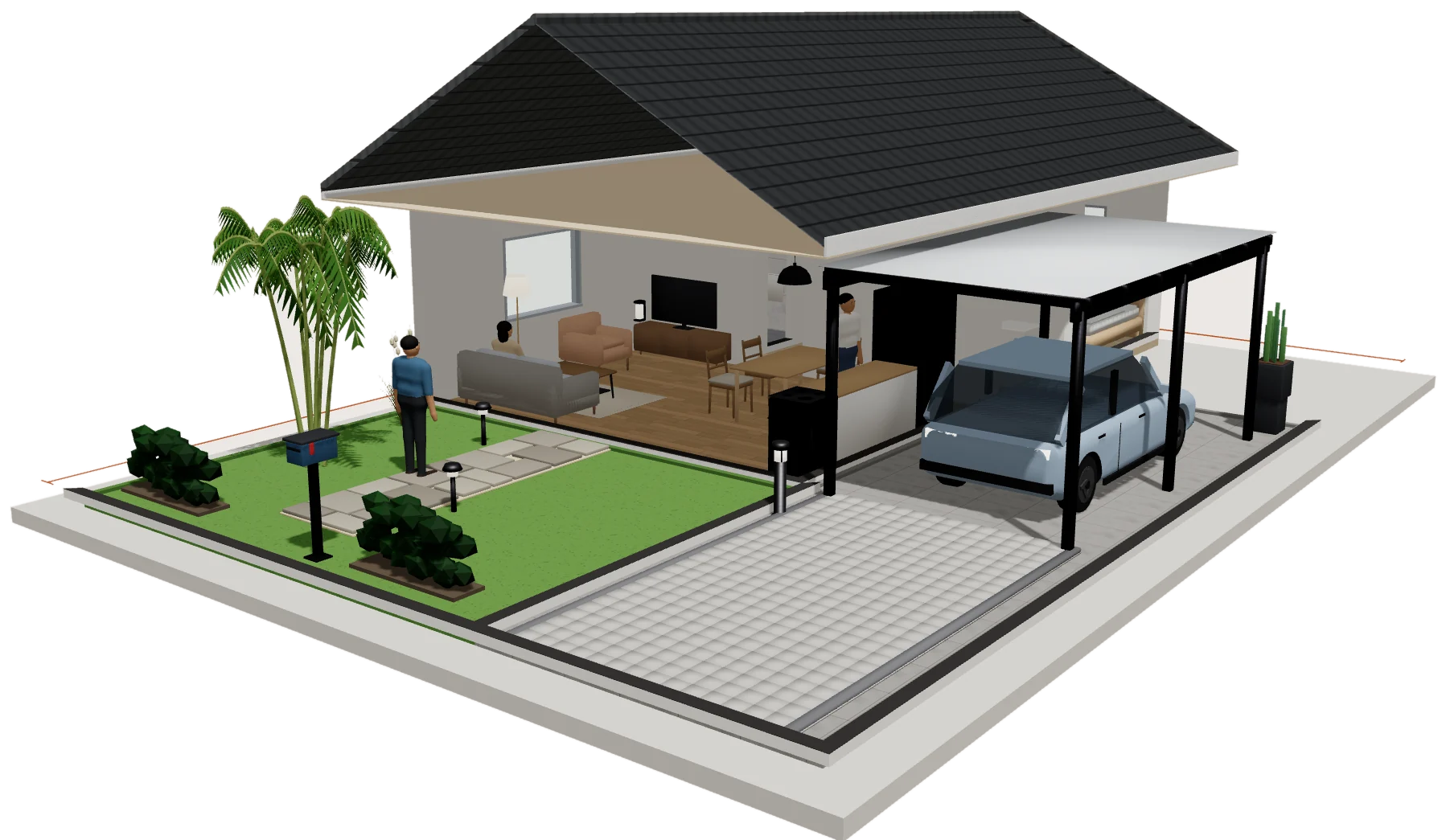
Quantities come from the design
Floor areas, wall areas, baseboards and the other quantities of each room are calculated from the plan. When you move a wall, the quantities follow. Nothing is typed twice.
Price the bill
Open Estimate to see the bill of quantities. Rancava does not fill in any prices: you enter them, so the estimate matches your suppliers and your region. There are two ways to do it.
Quick: type a rate for each bill line.
Detailed: in the AHSP tab, enter the price of each finish and the basic material and labor prices, then choose Apply to the bill. Rancava writes the resulting unit prices as the rates of the bill.
Export the estimate
Export the quantities as CSV or the full estimate workbook as Excel.
For a client, create a Quotation (penawaran) PDF: priced lines grouped by kind of work, with tax and the total in words. Your studio's details are kept in your browser for the next quotation.